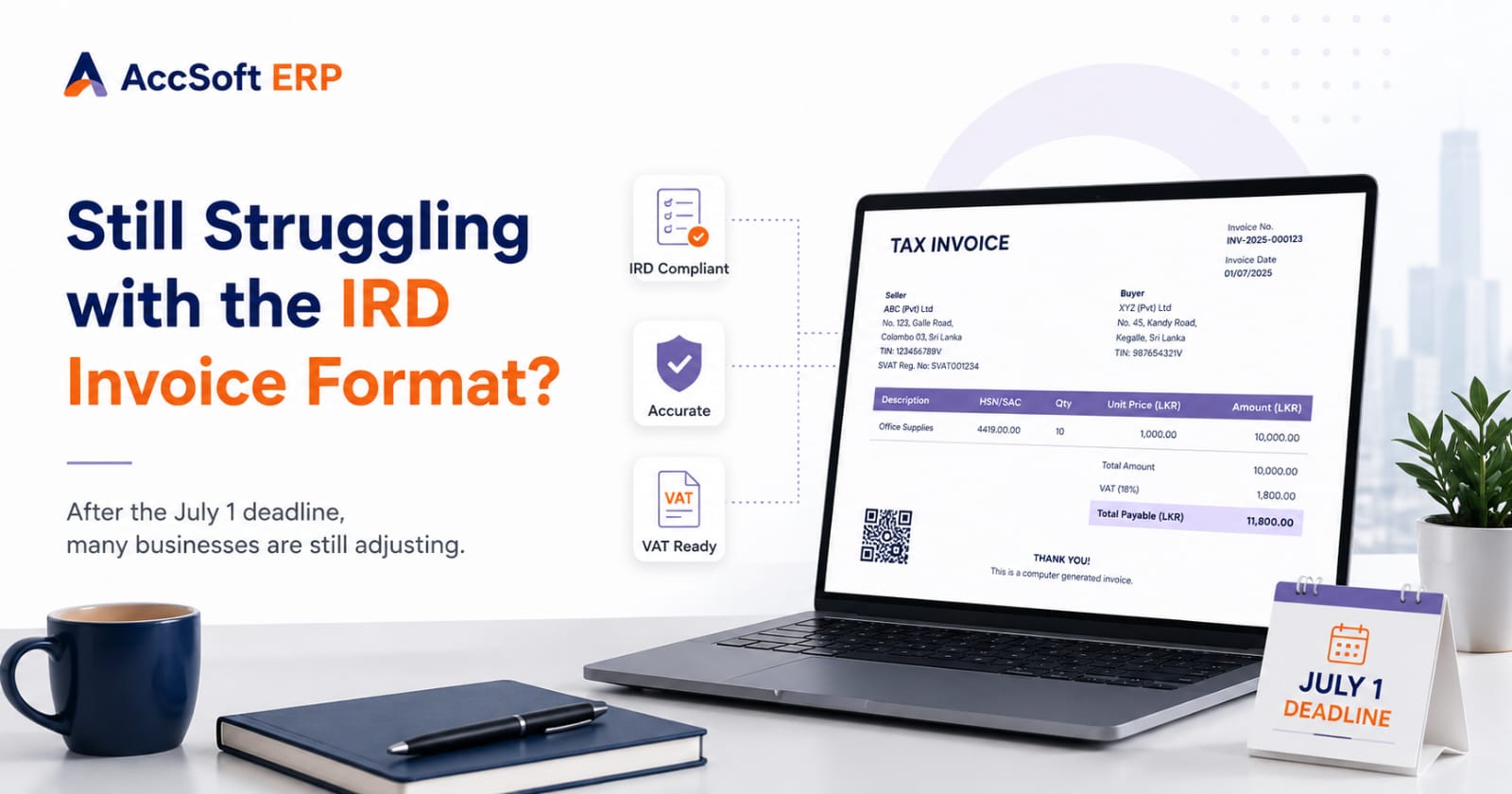
The July 1 deadline for the new IRD tax invoice format has now passed. But from what we are seeing in the market, many businesses are still not fully ready. Some companies have changed the invoice heading. Some have added the customer TIN field. Some have asked their software vendor to adjust the invoice layout.
But when they actually start checking the full requirement, they realise the issue is bigger than just changing a print format. This is where many businesses are getting stuck.
It Is Not Only About the Invoice Design
At first, many business owners think the new IRD invoice requirement is only a printing issue. They assume the job is simply to redesign the invoice and add a few new fields. But in practice, proper compliance depends on the information behind the invoice.
For example, the system should be able to handle:
- Customer TIN details
- Supplier details
- Invoice numbering
- Delivery date and place of supply
- VAT breakdown
- Total amount in words
- Payment method
- Proper invoice history and audit trail
If this information is not properly maintained inside the accounting software or ERP, the printed invoice may still be incomplete — even if it looks correct on the surface.
Why Businesses Are Still Facing Difficulties
One common problem is that many companies are using old invoice templates that were created years ago. Those templates may have worked well earlier, but they were not designed for the new IRD format.
Another issue is customer master data. If customer TIN numbers, addresses, and telephone numbers are missing or not updated, the invoice cannot be printed properly. We also see businesses struggling with invoice numbering — manual invoice numbers, branch-wise numbering, or Excel-based numbering can create confusion when the business has more than one location or a high volume of invoices.
These are not small issues. Once invoices are issued, correcting them later can become difficult and time-consuming.
Manual Fixes Can Create More Problems
Some businesses are trying to manage the requirement manually — printing the invoice from the accounting system, then adjusting details separately, or maintaining part of the information in Excel. This may work for a few invoices. But when a business issues many invoices every day, manual changes increase the risk of mistakes.
One missed TIN number, one wrong invoice number, one missing delivery date, or one incorrect VAT breakdown can create unnecessary problems later. The lesson is simple: compliance should come from the system, not from last-minute manual editing.
What Good Accounting Software Should Support
A good accounting software or ERP system should not only record sales. It should help the business issue proper invoices, maintain clean records, and retrieve information quickly when needed. For the new IRD invoice format, the software should support:
- Proper invoice numbering in sequence
- Customer TIN and full address details
- Supplier information on every invoice
- Date of invoice and date of delivery
- Place of supply
- VAT calculation clearly shown
- Total amount in words
- Payment method
- Invoice history and complete audit trail
When these details are managed inside the system, invoice printing becomes much easier and more reliable — and the business is always ready for any review or audit.
The July 1 Deadline Passed — But It Is Not Too Late
If your business is still struggling with the new invoice format, the important thing is to act now. Do not wait until an audit, customer complaint, or tax review highlights the issue.
Start by checking a few recently issued invoices using this simple checklist:
✅ IRD Invoice Compliance Checklist
- Is the invoice titled correctly as a Tax Invoice?
- Is the customer TIN printed where required?
- Is the invoice number in the correct format and sequence?
- Is the VAT value clearly and correctly shown?
- Is the total amount shown in words?
- Is the delivery date included?
- Is the place of supply mentioned?
- Are supplier details complete and correct?
- Can the invoice be retrieved easily from the system later?
If the answer is no to several of these questions, your business may need a better system-supported solution.
How AccSoft ERP Helps with IRD Invoice Compliance
AccSoft ERP is designed for Sri Lankan businesses and supports local tax and business requirements. With AccSoft ERP, businesses can generate IRD-compliant Tax Invoices with the required details properly managed through the system — helping reduce manual work, avoid repeated corrections, and maintain a better audit trail.
AccSoft ERP also supports VAT, SSL, and online bank reconciliation, advanced inventory, serial number and warranty tracking, expiry date tracking, manufacturing and engineering, and workshop operations. So the benefit is not only invoice compliance — it gives the business better control over day-to-day operations as well.