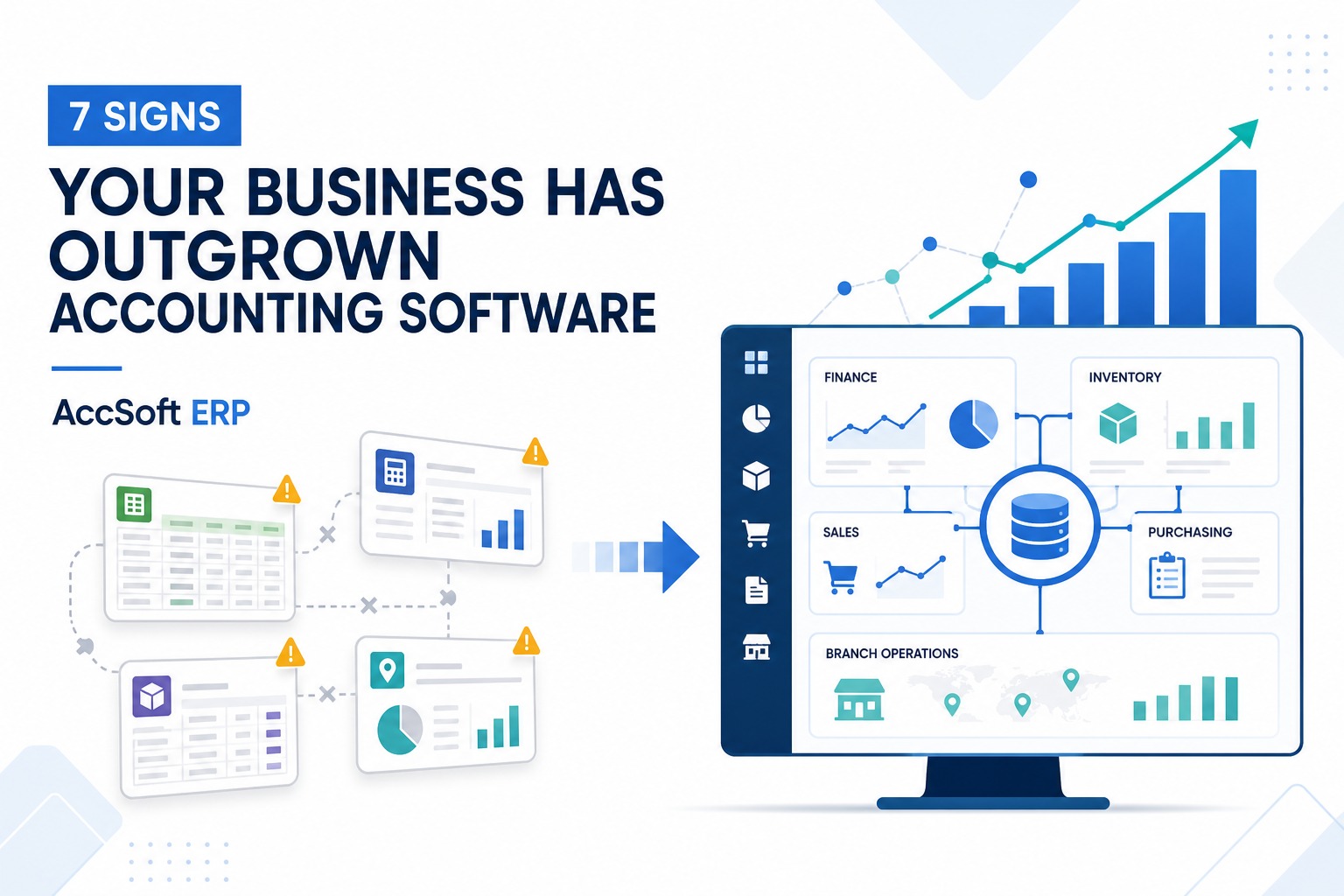
Seven Signs Your Business Has Outgrown Accounting Software
AS
AccSoft Solutions·August 2026·7 min read
Accounting software is a valuable starting point for any business. It helps manage transactions, customer balances, supplier payments and financial reports. As a business grows, however, managing accounts is only part of the challenge. Sales, inventory, purchasing, branches and management reporting must also work together.
Here are seven signs that your business may be ready to move from accounting software to an integrated ERP system.
See What AccSoft ERP Can Do for Your Business
Explore all modules — from financial management and inventory to manufacturing, workshop, CRM, and real-time dashboards.
Your employees maintain separate spreadsheets for inventory, orders, purchasing and reporting. This creates duplicate work, inconsistent information and a greater risk of errors. AccSoft ERP provides one connected source of information for all departments — replacing the need for parallel Excel files.
02
Your Stock Figures Are Unreliable
The system shows available stock, but the warehouse cannot locate it. Popular products run out unexpectedly while slow-moving products remain unnoticed. AccSoft ERP's inventory module connects stock with sales and purchasing, helping you monitor stock across locations, identify reorder needs and analyse product movement in real time.
03
Managing Multiple Locations Is Becoming Difficult
As branches and warehouses increase, consolidating information becomes more complicated. AccSoft ERP can provide central visibility while allowing authorised employees to manage transactions within their own locations — giving head office a complete picture at any time.
04
Departments Have Different Information
Sales, inventory, purchasing and finance use separate systems. This results in incorrect stock balances, delayed invoices, duplicate purchases and time-consuming reconciliations. AccSoft ERP connects these processes through a shared database — so everyone works from the same accurate information.
05
Management Reports Arrive Too Late
If reports take days to prepare, management may be making decisions using outdated information. AccSoft ERP's dashboards and real-time reports can provide current information about sales, inventory, debtors, purchasing, cash flow and branch performance — available whenever management needs it.
06
Manual Approvals Are Creating Risk
Purchases, discounts, credit limits and stock adjustments are approved through paper documents, emails or messages. AccSoft ERP workflows introduce clearer approval processes, user permissions and transaction histories — reducing the risk of unauthorised or untracked changes.
07
Growth Creates More Administration
If every increase in sales requires more employees to enter data, prepare reports and reconcile systems, your processes may not be scalable. AccSoft ERP reduces repeated work and allows employees to focus more on customers, suppliers and business growth — rather than administrative overhead.
If several of these seven signs sound familiar, your accounting software may no longer be keeping up with your business — and it may be time to consider an integrated ERP system.
Accounting Software vs ERP — What Is the Difference?
Accounting software mainly focuses on financial transactions and reports. ERP connects accounting with the wider business.
Accounting remains central in both cases, but ERP connects it to the transactions taking place across the entire organisation — giving management a complete and current picture of business performance.
AccSoft also provides local implementation, training and ongoing support for Sri Lankan businesses — with a team based in Colombo that understands local business practices, tax compliance, and operational requirements.
Ready to Explore AccSoft ERP?
AccSoft Solutions can show you how AccSoft ERP connects finance, inventory, sales, purchasing and operations in one system. Request a free demo today.
AccSoft Solutions has been delivering ERP, accounting, HR and cloud software solutions to Sri Lankan businesses since 1999. With over 5,000 satisfied users and 25 years of experience, we understand the needs of local businesses better than anyone.
What is the main difference between accounting software and ERP?
Accounting software primarily manages financial transactions and reports. ERP connects finance with inventory, sales, purchasing, manufacturing, HR and other business operations — giving management a complete view of the whole business, not just the accounts.
Does every business need an ERP system?
No. Accounting software may be sufficient for a small business with straightforward operations. ERP becomes more valuable as processes, transaction volumes, locations and reporting requirements become more complex.
Can ERP manage multiple branches and warehouses?
Yes. AccSoft ERP can provide central visibility of sales, inventory and financial performance while maintaining detailed records for individual locations — with stock transfers, location-specific reports and central approval controls.
Can an ERP system replace spreadsheets?
ERP can replace many spreadsheets used for essential operational processes such as inventory tracking, order management, purchasing and reporting. Spreadsheets may still be useful for occasional analysis, but they should not be the primary source of critical business information.
Is ERP only suitable for large companies?
No. Growing small and medium-sized businesses can also benefit significantly from ERP, particularly when they manage complex inventory, multiple locations, manufacturing or disconnected departments.
Can ERP be implemented in stages?
Yes. A phased implementation can begin with priority areas such as finance, inventory, sales or purchasing before introducing additional modules like manufacturing, workshop, or mobile sales force.
How can I determine whether AccSoft ERP is suitable for my business?
The best starting point is an assessment of your current processes, reporting requirements, operational challenges and growth plans. Contact AccSoft Solutions and our team will demonstrate the relevant modules and recommend an appropriate implementation approach.