Home Blogs About Us Contact Us
📞 0777 554 225 Get In Touch
⚙️ ERP Module

Manufacturing
(Bill of Material)

From job to finished goods, with every gram of material and every hour of service accounted for.

AccSoft ERP's Manufacturing module links a customer job to its bill of material, controls the raw materials and services issued against it, and posts finished goods to stock with their true cost. Every document carries an approval level, so nothing is issued, returned or completed without sign-off.
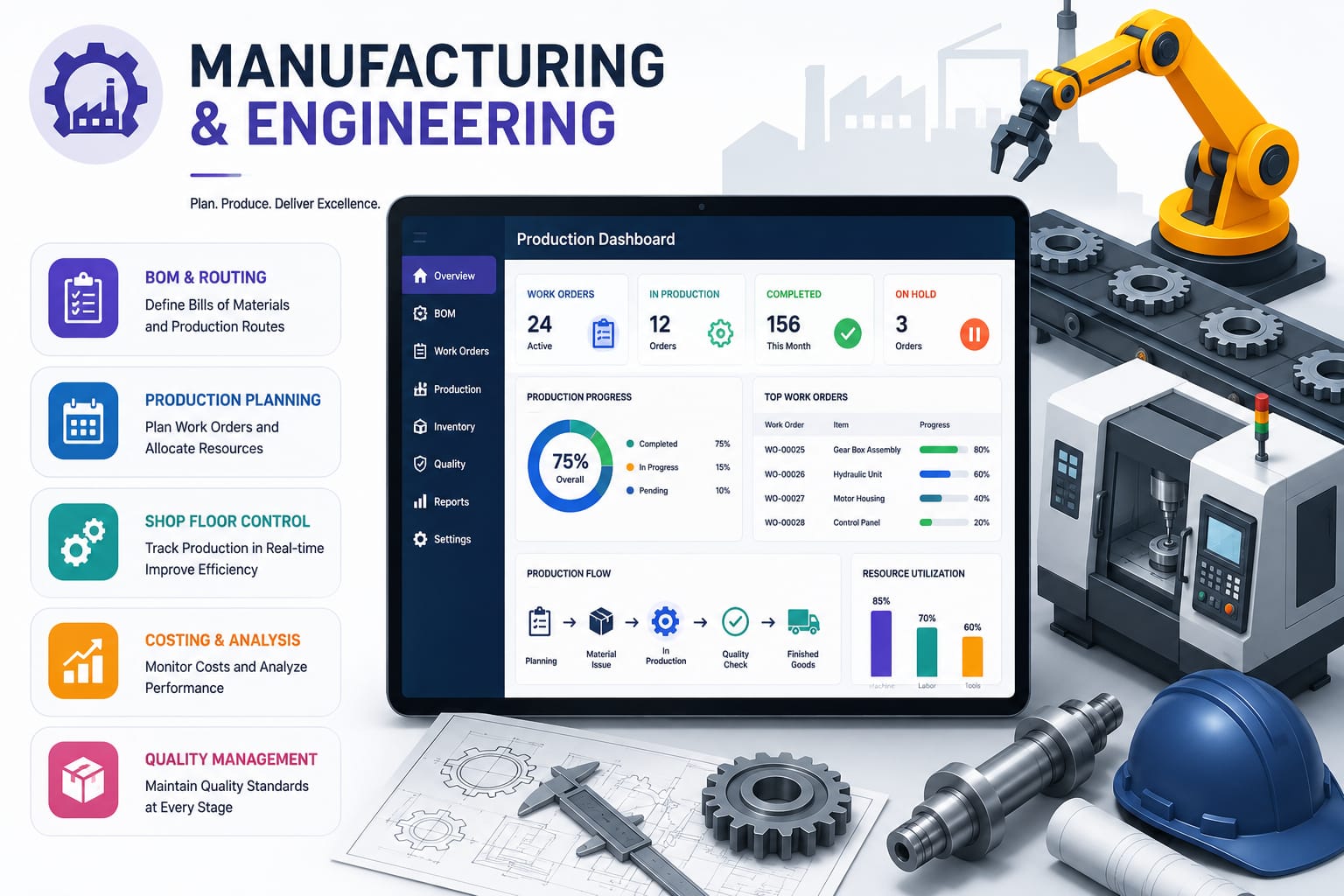
AccSoft ERP Manufacturing and Bill of Material module production workflow Sri Lanka

The Production Workflow

Seven documents, one chain. Each is created from the one before it, and each shows its own approval and completion status so production managers can see exactly where a job stands.

📄
1
Job
Open a job for a customer, project and stage. Jobs can be created from a sales order.
🔢
2
BOM
Define finished goods, raw materials, standard quantities, rates and costs. One job can carry several BOMs.
🚚
3
Issue Note
Issue raw materials from a location to the job. Stock is reserved and drawn down immediately.
↩
4
Issue Return
Return unused or surplus material to stock, matched back to the original issue.
⚙️
5
Service Consumption
Record labour, machine time and sub-contracted services consumed by the job.
↩
6
Service Return
Reverse services recorded in error or not performed.
✅
7
Complete BOM
Close the BOM, compare actual vs standard, and add finished goods to stock at actual cost.
AccSoft ERP Manufacturing workflow dashboard: job, bill of material, issue note, issue return, service consumption, service return, complete BOM
Module dashboard: the production workflow from job to completed BOM

Approval Control on Every Document

Manufacturing is where raw material and labour turn into cost of goods. AccSoft ERP puts an approval level on every production document user permissions decide who can approve at each stage.

📄
Job
Must be approved before any BOM can be raised against it.
✓ Approval Required
🔢
Bill of Material
Must be approved before materials or services can be issued.
✓ Approval Required
🚚
Issue Note
Approved before stock and cost move to the job.
✓ Approval Required
⚙️
Service Consumption
Approved before service cost is posted to the job.
✓ Approval Required
↩
Issue Return
Approved before reversing a stock and cost posting.
✓ Approval Required
↩
Service Return
Approved before reversing a service cost posting.
✓ Approval Required
✅
Complete BOM
Approved before finished goods enter stock at actual cost.
✓ Approval Required

See It in Action

Every screen is designed for Sri Lankan manufacturing businesses with VAT, SSCL and local approval workflows built in from the start.

AccSoft ERP Bill of Material screen with finished goods and raw materials grids manufacturing BOM software Sri Lanka
Bill of Material with separate Finished Goods and Raw Materials grids
AccSoft ERP Issue Materials screen for raw materials issued against a BOM production ERP Sri Lanka
Issuing materials and services against an approved BOM

Why AccSoft ERP for Manufacturing?

Everything your production team needs is connected, not bolted on.

🔗
Fully Integrated
Raw material issues draw down Inventory, purchase costs flow in from Purchases & Payables, finished goods feed Sales & Debtors, and every posting lands in the General Ledger in Banking & Journal, with no double entry.
📈
True Product Cost
Material, service and variance are captured per job, so you know what each finished good actually cost, not just what it should have cost. Variance reports show the difference clearly.
🔒
Controlled Production
Approval levels on every document mean no material leaves the store and no finished good enters stock unchecked. Every document shows its Approved / Close status at a glance.
🇳🇰
Built for Sri Lanka
VAT, SSCL and local document formats are standard, not add-ons. Create and view customer invoices directly from a job with VAT and SSCL applied per line. See our local tax compliance guide.
📋
Reusable Assemblies
Define standard bills of material once in the Item Assembly master and pull them into any job with Select BOM. One job can carry several BOMs and batches.
🌟
Proven Since 1998
AccSoft Solutions has supported Sri Lankan businesses for over 25 years, with more than 5,000 active installations across manufacturing, distribution, retail and services.

Who Uses This Module?

Designed for Sri Lankan manufacturers who need real job cost, not just standard cost.

Food, beverage and FMCG producers running batch production
Furniture, joinery and metal fabricators building to customer order
Electrical, electronics and assembly plants with multi-level BOMs
Printing and packaging companies costing jobs with material and machine time
Any workshop that needs to know actual cost against standard for every job
Businesses converting customer sales orders directly into production jobs

Frequently Asked Questions

Common questions about the Manufacturing (BOM) module.

Which manufacturing documents require approval?
All of them. Jobs, BOMs, issue notes, issue returns, service consumption, service returns and BOM completion each carry an approval level, and user permissions control who can approve at each stage. Every document shows its Approved / Close status at a glance.
Can one job have more than one BOM?
Yes. A job can carry several BOMs and batches, each with its own finished goods, raw materials and completion status useful for multi-product runs or phased production.
How is finished goods cost calculated?
Actual raw material issued (less returns) plus actual services consumed (less returns) are accumulated on the job. On completion, finished goods are added to stock at that actual cost, and the variance against standard is reported.
Does the system support partial completion?
Yes. A BOM can be completed in parts, and the Partial Finished Good Variance, Cost Variance (Partial) and Finished Good Progress reports track what is done and what remains.
Can we bill the customer from the SO/BOM?
Yes. Create/View Invoice raises the customer invoice directly from the SO/BOM, with VAT and SSCL applied per line no need to re-enter the job details in Sales.
Are standard bills of material reusable?
Yes. Define them once in the Item Assembly master and pull them into any job with Select BOM saving time on repeat orders and ensuring consistent costing.
Does material issue update stock immediately?
Yes. When an issue note is approved, stock at that location and batch is reduced and the cost moves to the job. Issue returns reverse it. All movements are visible in the Inventory module in real time.

Explore More AccSoft ERP Modules

Manufacturing connects with every other module in AccSoft ERP.